
→ THE MULTICAM SYSTEM
Plan, price, and deliver professional multicam shoots with the systems, templates, and confidence to back it up.
Structured 7-part video training
Breakdown of a real 11-camera production
Bonus 1: The Multicam Roadmap
Bonus 2: The Offer Builder
Bonus 3: The Advance Kit
Bonus 4: The Rigging Manual
Lifetime access to all content
→ INSTANT ACCESS AFTER PURCHASE

THE MULTICAM SYSTEM
Plan, price, and deliver professional multicam shoots with the systems, templates, and confidence to back it up.
Structured 7-part video training
Breakdown of a real 11-camera production
Bonus 1: The Multicam Roadmap
Bonus 2: The Offer Builder
Bonus 3: The Advance Kit
Bonus 4: The Rigging Manual
Lifetime access to all content
INSTANT ACCESS AFTER PURCHASE
→ THE FULL SYSTEM
The course walks you through the entire workflow—from advancing with venues to the final audio mix. The bonus toolkits give you the planning templates, pricing frameworks, and rigging guides to execute it at the highest standard.
A complete system for running multicam productions at a professional level.
→ THE FULL SYSTEM
The course walks you through the entire workflow—from advancing with venues to the final audio mix. The bonus toolkits give you the planning templates, pricing frameworks, and rigging guides to execute it at the highest standard.
A complete system for running multicam productions at a professional level.
-
The three-phase multicam workflow and the two core problems you're solving on every shoot: coverage and sync. Plus what you'll be able to deliver after one production.
-
Planning the shot list, building your team, sourcing gear, and advancing with production teams. Everything that needs to happen before you arrive at the venue—from the first client email to the final crew brief.
-
The arrival briefing, venue recce, and build phase. Rigging cameras for stability, capturing clean audio feeds, matching camera settings across your entire team, and final pre-show checks before you hit record.
-
What timecode is, why external timecode generators are essential for long-form content, how to set up and jam timecode across cameras and audio recorders, the post-production sync workflow, and solving audio latency issues in the edit.
-
What each operator does during the show, managing static cameras, communication protocols for troubleshooting, delivering live edits mid-show, production etiquette, and the critical data dump and backup workflow once the set ends.
-
Project setup, colour matching your cameras, multicam switching for full-set edits, manual editing for social clips, and core principles for pacing and impact that work across both workflows.
-
Shot-by-shot colour correction and creative grading across all camera angles. Professional audio mixdown blending clean feed with ambient audio for an immersive final mix, addressing latency and phase issues before export.
→ WHAT YOU GET
→ CORE VIDEO
TRAINING [2H]
THE FULL WORKFLOW FOR PLANNING AND DELIVERING MULTICAM PROJECTS.
Advancing with production teams (space, power, audio, rigging access)
Camera rigging for club and festival stages
End-to-end timecode workflow for frame-accurate sync
Hiring, briefing, and managing your multicam team
Multicam post-production: sync, switching, and timeline management
Audio capture and mixing (clean feed + ambient)
The full system, start to finish.
→ WHAT YOU GET
→ CORE VIDEO
TRAINING [2H]
THE FULL WORKFLOW FOR PLANNING AND DELIVERING MULTICAM PROJECTS.
Advancing with production teams (space, power, audio, rigging access)
Camera rigging for club and festival stages
End-to-end timecode workflow for frame-accurate sync
Hiring, briefing, and managing your multicam team
Multicam post-production: sync, switching, and timeline management
Audio capture and mixing (clean feed + ambient)
The full system, start to finish.

→ REAL PROJECT WALKTHROUGH
Full workflow breakdown of a real 11-camera, 23,000-capacity production.
Go behind the scenes of a major multicam shoot — from how the production was planned and rigged, through to a real-time post-production walkthrough covering sync, colour, audio and the final edit.
Inside →
8 static cameras rigged across a 23,000-capacity venue
The technical setup: power, signal routing, centralised recording and live monitoring
Timecode-based sync of 11 angles — statics, roaming cameras and FPV drone
Camera matching and colour correction across mixed sources and sensor types
Audio post-production: mixing professional ambient feeds with clean desk recordings
Building and cutting a multicam edit using a timeline switching workflow
Export settings and final delivery across multiple aspect ratios
See the system in action from import to export.
Full video walkthrough: project overview and strategy breakdown, followed by a real-time post-production session.
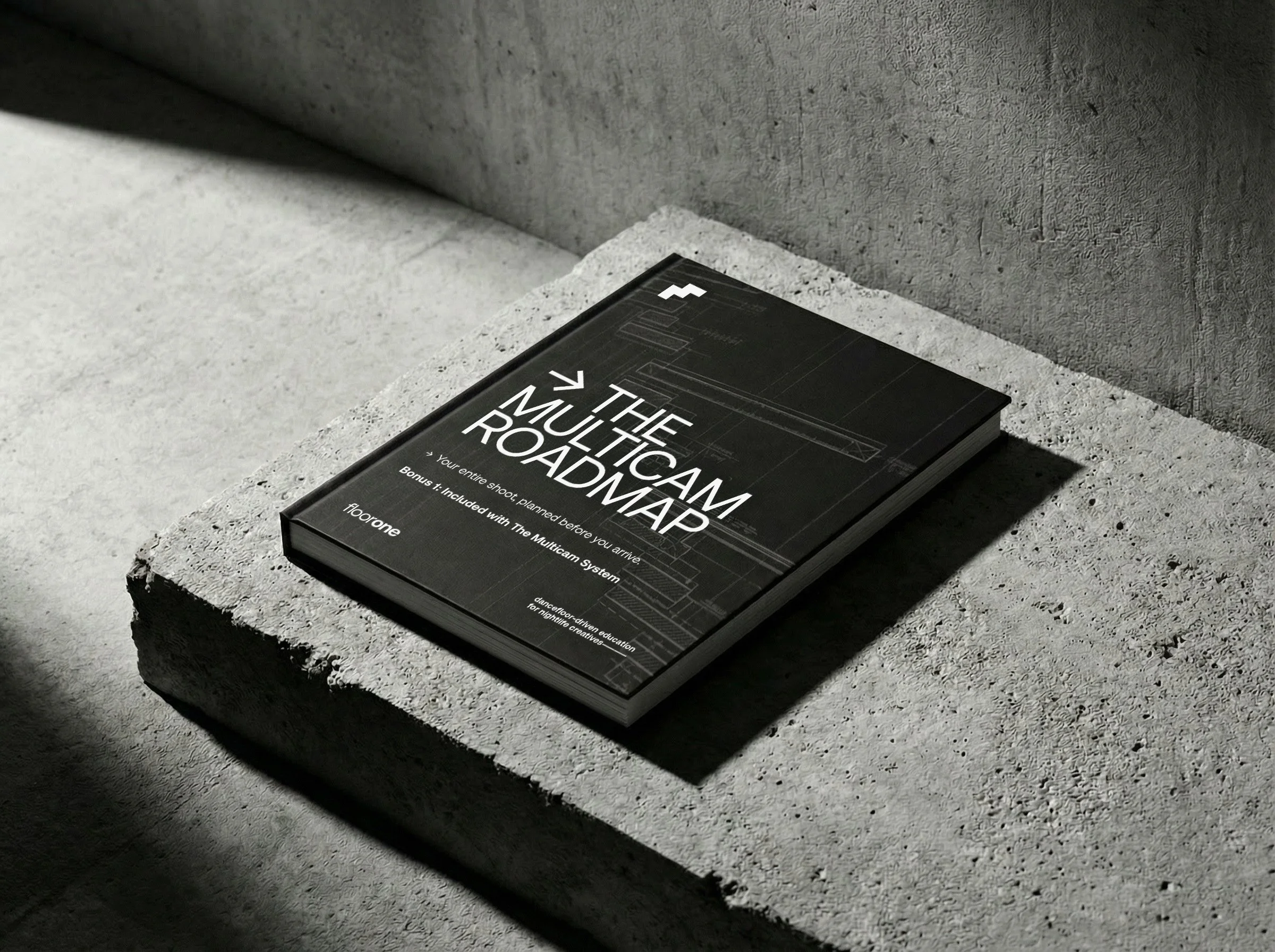
→ BONUS 1:
THE MULTICAM ROADMAP
A step-by-step system that walks you through planning any multicam shoot.
Your first multicam can feel overwhelming. There's crew to organise, gear to source, positions to plan, audio to figure out, and no clear process to follow. This template guides you through it all.
Inside →
Project overview and deliverables
Team planning and day rates
Equipment breakdown and sourcing
Camera positions and shot descriptions
Audio feeds and backup strategy
Schedule and budget tracker
A step-by-step system you can use for every production.
The course teaches the system—this is where it becomes a plan.
Format: Interactive Notion template (duplicate and customise for your projects)
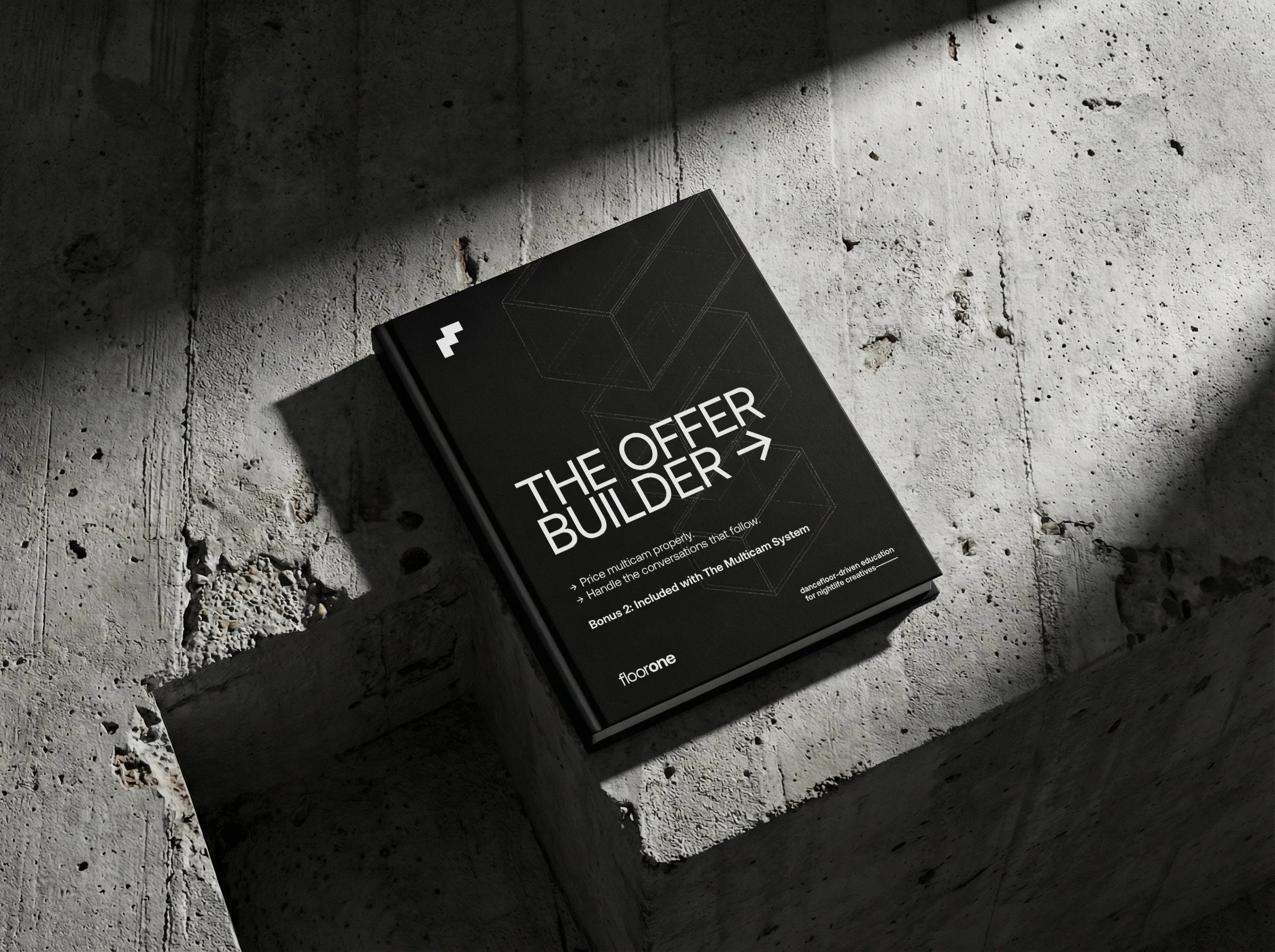
→ BONUS 2:
THE OFFER BUILDER
How to price multicam properly—and handle the conversations that follow.
Most videographers step into multicam and price it like solo work with extra day rates bolted on. Then they wonder why they're doing triple the work for the same money. This bonus fixes that.
Inside:
Why solo rates don't scale (and what to charge instead)
Fee structures for small, mid, and large-scale productions
Quote templates you can adapt for any project
Email templates for pitching, qualifying, and following up
Scripts for handling "that's too expensive" and other objections
Stop undercharging. Start pricing like someone who runs productions, not just shoots them.
Format: Interactive Notion template (duplicate and customise for your projects)
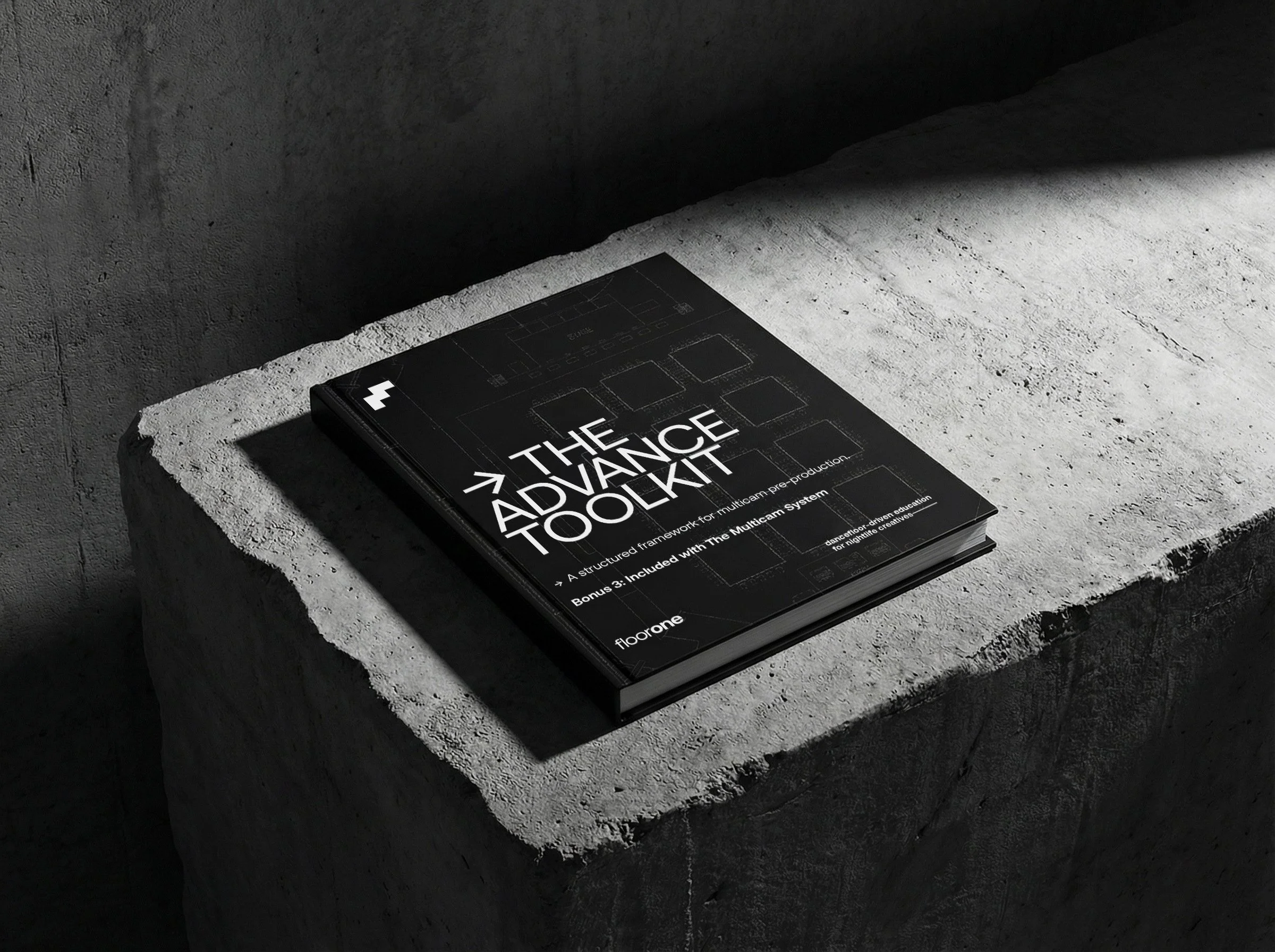
→ BONUS 3:
THE ADVANCE TOOLKIT
A framework for communicating with venues, festivals and production teams.
You've seen other videographers pull off complex multicam setups and wondered: “how did they get permission for that?”
This kit answers that question.
Inside:
Comprehensive advance checklist (space, power, audio, rigging, credentials, contingencies)
3 email templates (small venues, mid-size productions, full technical rider)
Who to contact and when
Common advancing requests for every setup type
Example phrases for awkward conversations
Stop winging it and hoping for the best. Start walking into venues knowing everything's already sorted—because you advanced it properly.
Format: Interactive Notion template (duplicate and customise for your projects.
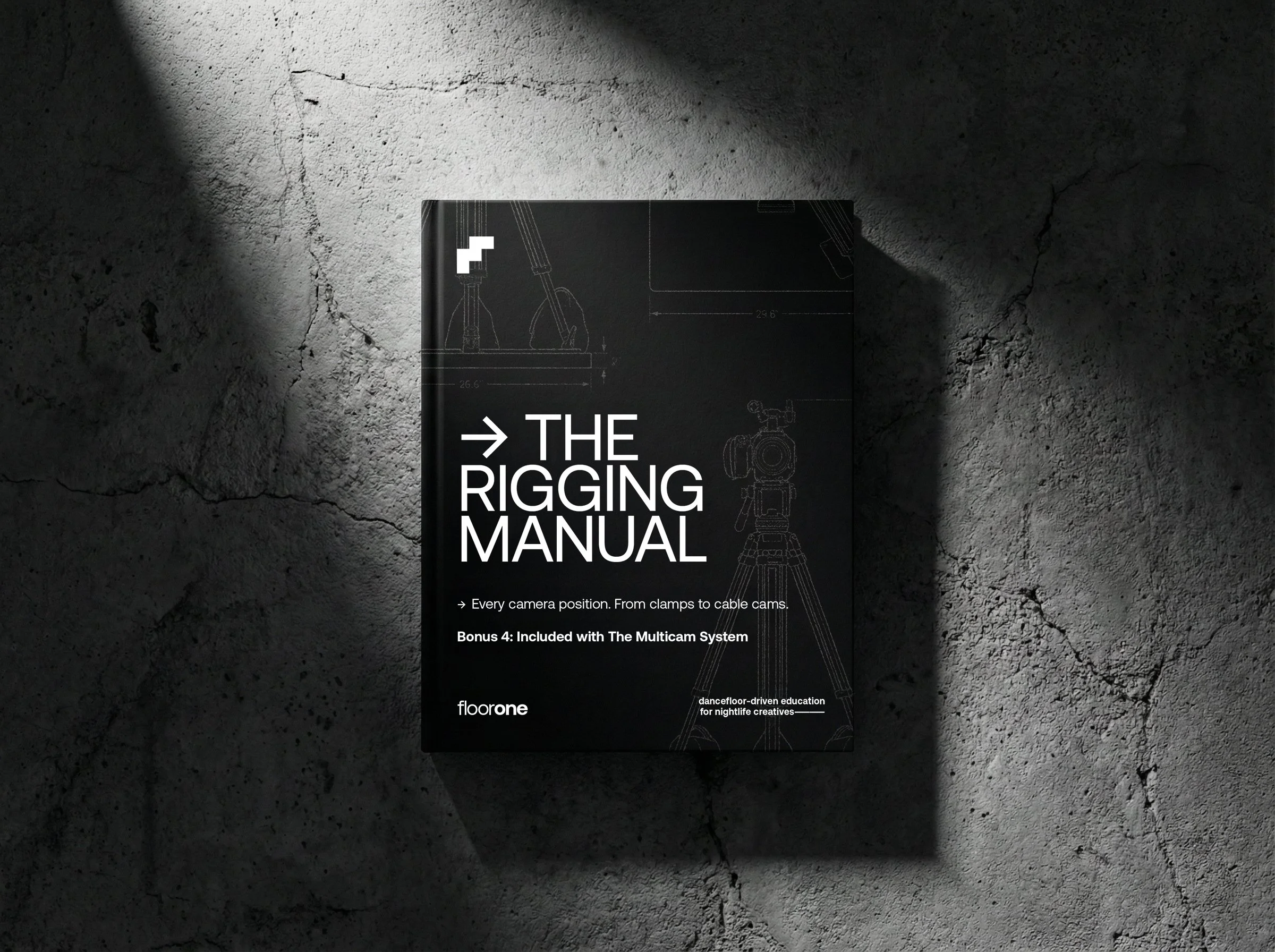
→ BONUS 4:
THE RIGGING MANUAL
Where to put cameras, how to rig them properly, and what to advance.
You've seen the shots—FOH wides, booth angles, overhead perspectives, jibs and cablecams. But how do you actually set them up? What gear do you need? What do you ask the venue for?
This guide breaks it all down.
Inside:
FOH setups (tripod and clamp options, when to use each)
Booth and stage rigs (booth clamps, side stage, sliders, behind-the-decks)
Wider venue rigging (scaffolding, pole clamps, vice grips, balconies)
Overhead production rigging (from simple lock-offs to full PTZ systems)
Specialist rigs (dollies, jibs, cable cams, drones—and when to outsource)
Vibration mitigation (the two types of vibration and how to handle each)
What to advance, what kit you need, and practical tips from real-world experience.
Format: Interactive Notion template (duplicate and customise for your projects)
→ REAL PROJECT WALKTHROUGH
Full workflow breakdown of a real 11-camera, 23,000-capacity production.
Go behind the scenes of a major multicam shoot — from how the production was planned and rigged, through to a real-time post-production walkthrough covering sync, colour, audio and the final edit.
Inside →
8 static cameras rigged across a 23,000-capacity venue
The technical setup: power, signal routing, centralised recording and live monitoring
Timecode-based sync of 11 angles — statics, roaming cameras and FPV drone
Camera matching and colour correction across mixed sources and sensor types
Audio post-production: mixing professional ambient feeds with clean desk recordings
Building and cutting a multicam edit using a timeline switching workflow
Export settings and final delivery across multiple aspect ratios
See the system in action from import to export.
Full video walkthrough: project overview and strategy breakdown, followed by a real-time post-production session.
→ BONUS 1:
THE MULTICAM ROADMAP
A step-by-step system that walks you through planning any multicam shoot.
Your first multicam can feel overwhelming. There's crew to organise, gear to source, positions to plan, audio to figure out, and no clear process to follow. This template guides you through it all.
Inside →
Project overview and deliverables
Team planning and day rates
Equipment breakdown and sourcing
Camera positions and shot descriptions
Audio feeds and backup strategy
Schedule and budget tracker
A step-by-step system you can use for every production.
The course teaches the system—this is where it becomes a plan.
Format: Interactive Notion template (duplicate and customise for your projects)
→ BONUS 2:
THE OFFER BUILDER
How to price multicam properly—and handle the conversations that follow.
Most videographers step into multicam and price it like solo work with extra day rates bolted on. Then they wonder why they're doing triple the work for the same money. This bonus fixes that.
Inside:
Why solo rates don't scale (and what to charge instead)
Fee structures for small, mid, and large-scale productions
Quote templates you can adapt for any project
Email templates for pitching, qualifying, and following up
Scripts for handling "that's too expensive" and other objections
Stop undercharging. Start pricing like someone who runs productions, not just shoots them.
Format: Interactive Notion template (duplicate and customise for your projects)
→ BONUS 3:
THE ADVANCE TOOLKIT
A practical framework for communicating with venues, festivals and production teams.
You've seen other videographers pull off complex multicam setups and wondered: “how did they get permission for that?”
This kit answers that question.
Inside:
Comprehensive advance checklist (space, power, audio, rigging, credentials, contingencies)
3 email templates (small venues, mid-size productions, full technical rider)
Who to contact and when
Common advancing requests for every setup type
Example phrases for awkward conversations
Stop winging it and hoping for the best. Start walking into venues knowing everything's already sorted—because you advanced it properly.
Format: Interactive Notion template (duplicate and customise for your projects.
→ BONUS 4:
THE RIGGING MANUAL
Where to put cameras, how to rig them properly, and what to advance ahead of time.
You've seen the shots—FOH wides, booth angles, overhead perspectives, jibs and cablecams. But how do you actually set them up? What gear do you need? What do you ask the venue for?
This guide breaks it all down.
Inside:
FOH setups (tripod and clamp options, when to use each)
Booth and stage rigs (booth clamps, side stage, sliders, behind-the-decks)
Wider venue rigging (scaffolding, pole clamps, vice grips, balconies)
Overhead production rigging (from simple lock-offs to full PTZ systems)
Specialist rigs (dollies, jibs, cable cams, drones—and when to outsource)
Vibration mitigation (the two types of vibration and how to handle each)
What to advance, what kit you need, and practical tips from real-world experience.
Format: Interactive Notion template (duplicate and customise for your projects)
→ [The Core Training] teaches the essentials.
→ [The Project Breakdown] shows how it’s done.
→ [The Multicam Roadmap] organises the chaos.
→ [The Offer Builder] gets you paid.
→ [The Advance Kit gets] you permission.
→ [The Rigging Manual] gets you the shot.
→ [The Core Training] teaches the essentials.
→ [The Project Breakdown] shows how it’s done.
→ [The Multicam Roadmap] organises the chaos.
→ [The Offer Builder] gets you paid.
→ [The Advance Kit gets] you permission.
→ [The Rigging Manual] gets you the shot.
BY THE END OF THIS COURSE, YOU’LL KNOW HOW TO →
PLANNING & PRODUCTION
Plan coverage and build a production from scratch
Charge properly for complex productions
Communicate professionally with venues and production teams
Rig cameras with confidence in any venue
WORKFLOW & DELIVERY
Manage a multicam production from start to finish
Create a polished mixdown from multiple audio sources
Sync and organize footage efficiently
Deliver professional-grade content consistently
BY THE END OF THIS COURSE, YOU’LL KNOW HOW TO →
PLANNING & PRODUCTION
Plan coverage and build a production from scratch
Charge properly for complex productions
Communicate professionally with venues and production teams
Rig cameras with confidence in any venue
WORKFLOW & DELIVERY
Manage a multicam production from start to finish
Create a polished mixdown from multiple audio sources
Sync and organize footage efficiently
Deliver professional-grade content consistently
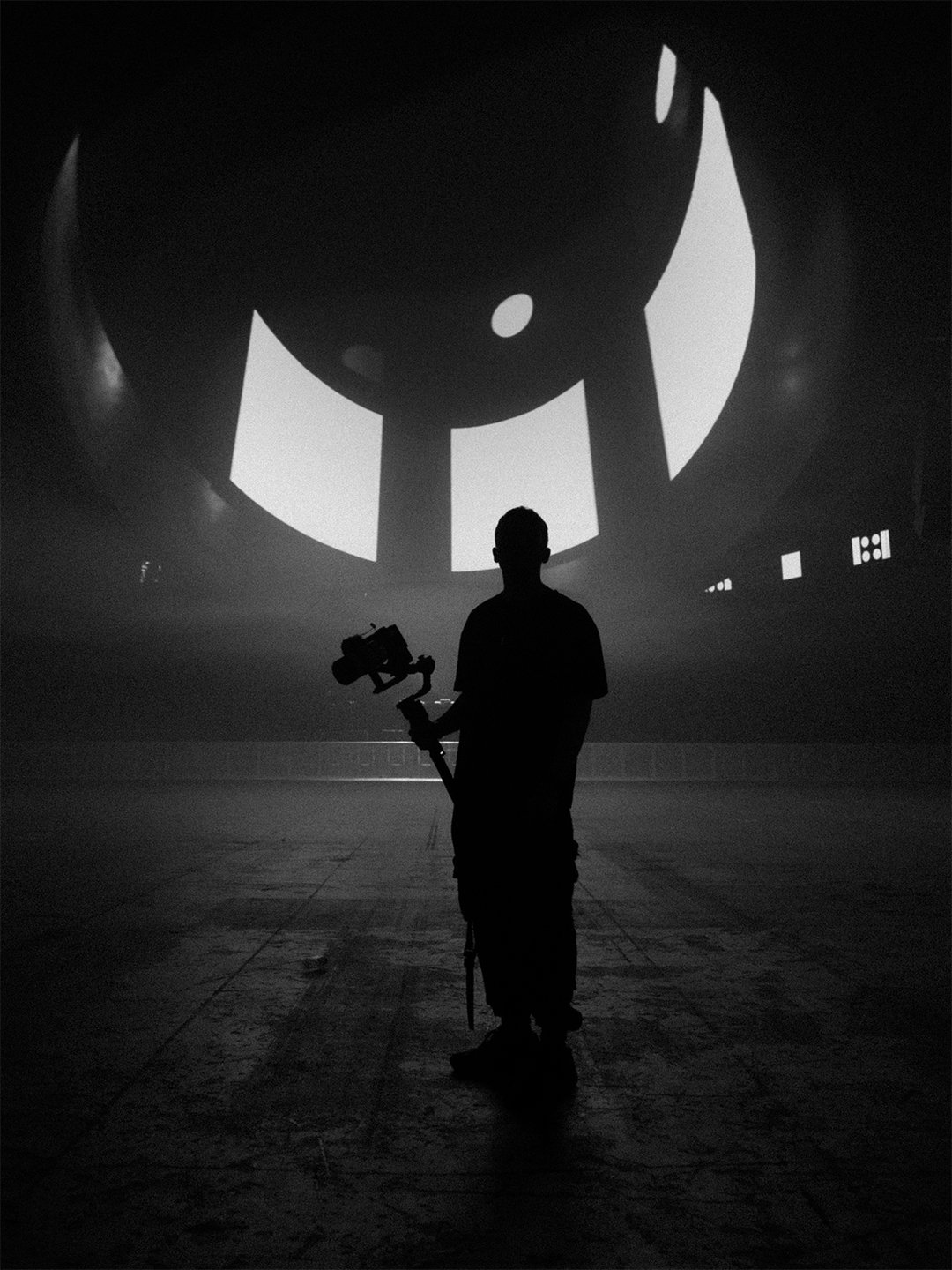
→ WHO BUILT THIS
I've been shooting electronic music for nearly a decade—the last three years touring internationally with artists across 30+ countries. I've worked with headline artists and major production companies, running multicam setups at everything from intimate club shows and street parties to 20,000+ capacity arena productions.
This isn't theory. It's a field-tested system that works on professional stages. I documented it because multicam is increasingly expected in nightlife—but rarely explained clearly.
→ WHO BUILT THIS
I've been shooting electronic music for nearly a decade—the last three years touring internationally with artists across 30+ countries. I've worked with headline artists and major production companies, running multicam setups at everything from intimate club shows and street parties to 20,000+ capacity arena productions.
This isn't theory. It's a field-tested system that works on professional stages. I documented it because multicam is increasingly expected in nightlife—but rarely explained clearly.
THIS IS FOR YOU IF →
→ You're stepping into multicam for the first time and don't want to wing it
→ You've done basic multicam but don't have a repeatable system
→ You're tired of undercharging for complex shoots
→ You want to run multicam like a professional—not scramble through it hoping nothing breaks
→ You've watched higher-level crews operate and thought: "I could do that—if someone just showed me how."
THIS IS NOT FOR YOU IF →
→ You're not yet comfortable shooting and editing live events solo
→ You're still learning basic camera operation, exposure, or editing fundamentals
→ You want quick tips instead of a structured system
→ You're not interested in planning, advancing, or taking technical responsibility
→ THE MULTICAM SYSTEM
Plan, price, and deliver professional multicam shoots with the systems, templates, and confidence to back it up.
Structured 7-part video training
Breakdown of a real 11-camera production
Bonus 1: The Multicam Roadmap
Bonus 2: The Offer Builder
Bonus 3: The Advance Kit
Bonus 4: The Rigging Manual
Lifetime access to all content
PROMISE
You'll run your next multicam like you've done it a hundred times.
7-DAY GUARANTEE
If you don't get value from the course, email within the first week for a full refund.
→ INSTANT ACCESS AFTER PURCHASE
THE MULTICAM SYSTEM
Plan, price, and deliver professional multicam shoots with the systems, templates, and confidence to back it up.
INCLUDED:
Structured 7-part video training
Breakdown of a real 11-camera production
Bonus 1: The Multicam Roadmap
Bonus 2: The Offer Builder
Bonus 3: The Advance Kit
Bonus 4: The Rigging Manual
Lifetime access to all content
PROMISE
You'll run your next multicam like you've done it a hundred times.
7-DAY GUARANTEE
If you don't get value from the course, email within the first week for a full refund.